Watch temperatures
Place a compatible independent sensor in the refrigerator, and ideally monitor the freezer separately. Verify both readings with a second thermometer.

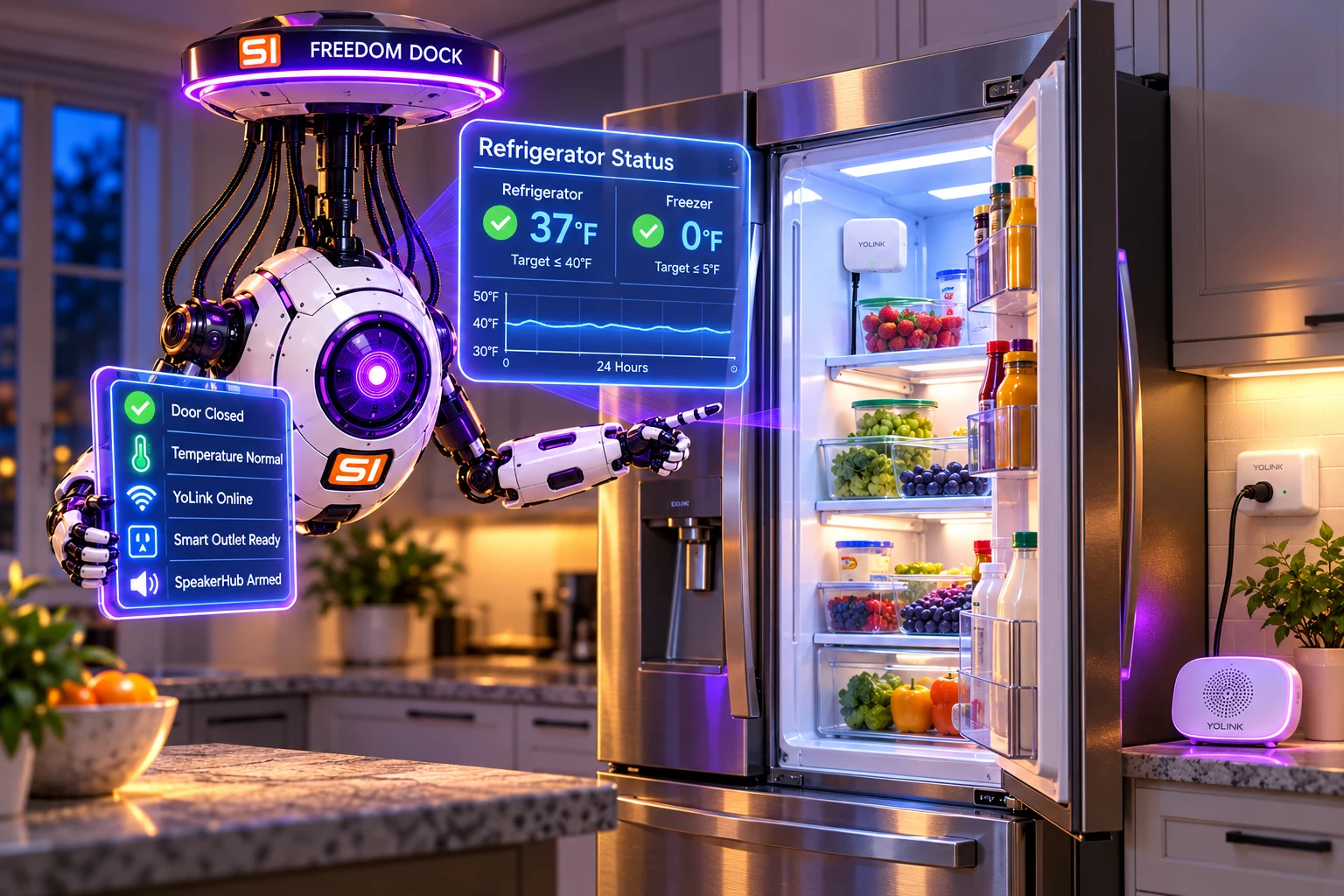
Violet helps you monitor refrigerator temperatures, spot doors left ajar, understand YoLink alerts, and respond before a small cooling problem becomes a bigger one.
Select an example failure and adjust the temperature or elapsed time. This is an educational simulation - it does not read or control your YoLink equipment.
The independently measured air temperature is within the general food-storage limit. Continue routine monitoring and verify freezer temperature separately.
A sensor reports air temperature, not the exact temperature history of every food item. Short door openings, defrost cycles and sensor placement can affect readings.
Use independent observations to tell a door problem from a possible equipment failure. The most important automation is the one that tells you something needs attention.
Place a compatible independent sensor in the refrigerator, and ideally monitor the freezer separately. Verify both readings with a second thermometer.
Use door sensors for each refrigerator door, then test the actual open-door delay and notification behavior.
Send push alerts and optional SpeakerHub voice announcements; confirm recipients, volume and offline behavior.
Check the door and power, verify cooling recovery, protect perishables and arrange professional service if temperatures keep rising.
These are the equipment categories featured in your original setup. Existing product photographs are preserved from the SMORTLER image library; check exact current models and app capabilities before purchasing or enabling automation.

Connects compatible LoRa devices to the YoLink app. Test connectivity with refrigerator doors closed.
Manufacturer information
Optional audible room announcements. Test every intended warning channel.
Manufacturer information
Independent refrigerator reading. Check the exact model's temperature range and placement requirements.
Manufacturer information
Monitor each separate door; on a French-door refrigerator, test each side independently.
Manufacturer information
Historical recovery concept only. Electrical motor-load suitability and appliance approval must be established first.
Manufacturer informationCheck off each step as you verify it in the real YoLink app. Progress is saved only in this browser - no account credentials or device readings are collected.
0 of 8 tasks complete.
Your original guide described a YoLink scene that turned the refrigerator off, waited 20 seconds, and restored power when temperature rose. That is an interesting recovery concept, but it should not be presented as safe for all refrigerators.
A refrigerator compressor is a motor load, and manufacturer's startup and anti-short-cycle behavior vary. YoLink labels its YS6704 outlet 15 A for resistive loads; that rating does not prove compressor compatibility. Confirm manufacturer instructions, inrush ratings, restoration behavior, warranty and local electrical requirements with qualified professionals.
Do not build a reset loop around a single high reading, and never treat a reset as evidence that food stayed safe.
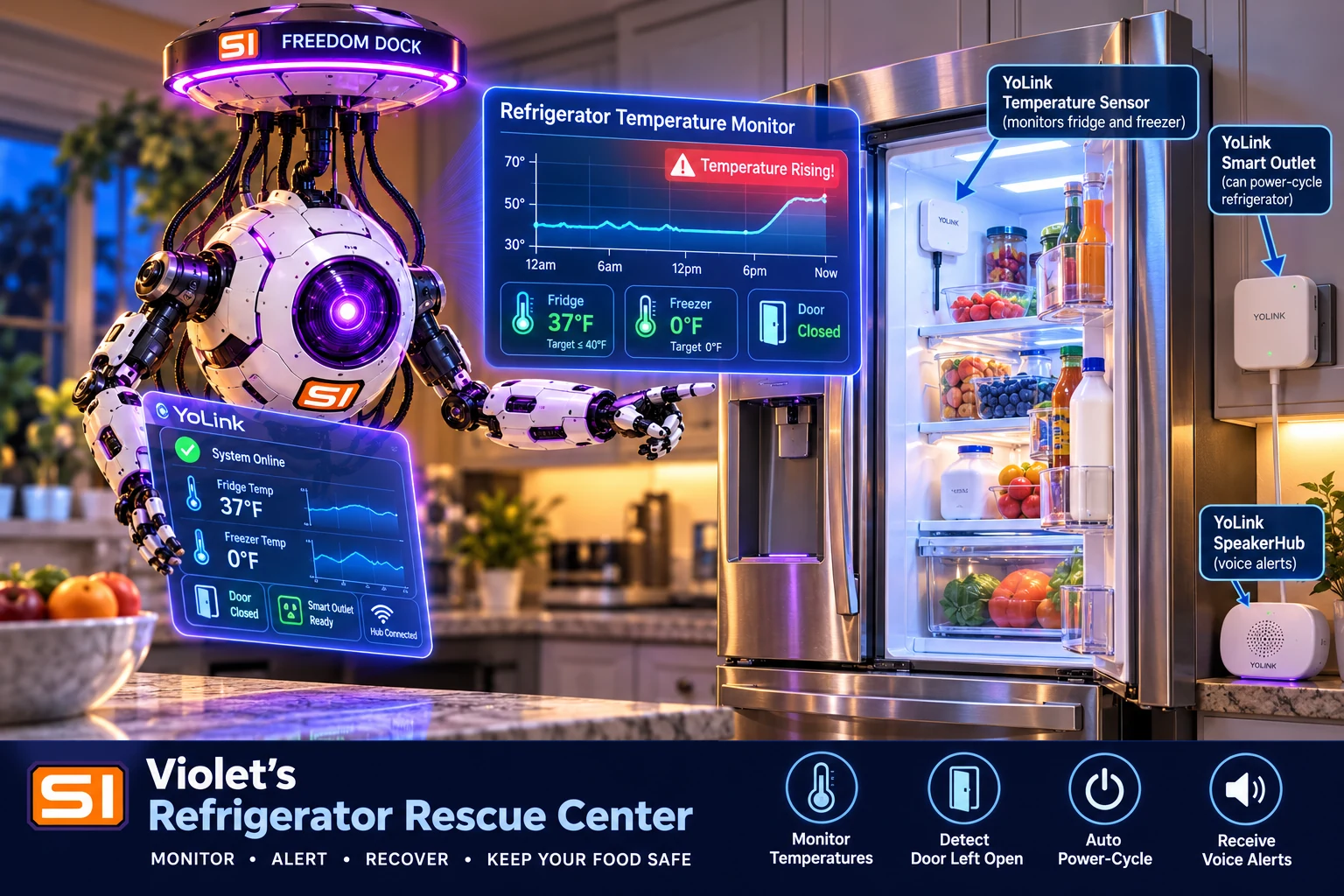
USDA and FDA recommend a refrigerator at 40°F or below and a freezer at 0°F or below. Evaluate each actual power outage or warming event by its duration, temperature and food exposure - not whether a smart outlet successfully restarted.
Store perishables at 40°F or below. A higher air reading is a reason to investigate, not a food-safety certificate.
Keep at 0°F or lower. Food with ice crystals may sometimes be safely refrozen after an interruption.
An unopened refrigerator generally maintains safe temperatures for around four hours in a power outage; plan cold storage if longer.
Follow the FoodSafety.gov time-temperature charts, including discarding many perishables exposed above 40°F for over two hours.
I've preserved the nine screenshots you originally published. They are historical illustrations - exact menus, notification options and automation support may have changed in newer YoLink app versions.
Compare the independent probe to a second thermometer. Check door seals and door sensors, recent loading and defrost cycles, then contact the manufacturer's service department if temperatures remain high. Don't assume a specific part has failed.
Check hub connectivity, YoLink alarm strategy, assigned recipients, phone notification permissions, mute/Focus settings and SpeakerHub volume. Test push/email/speaker independently. See YoLink's troubleshooting FAQ.
Short air-temperature spikes do not always represent the temperature of food. Consider sensor placement and a modest alert delay supported by your YoLink model, while keeping an immediate door-open notification for long openings.
That suggests an unresolved equipment fault, not a reliable fix. Disable unattended reset automation until a qualified technician and the refrigerator manufacturer have evaluated the system, and protect food with a verified cold-storage backup.
Do not assume push notifications continue without working connectivity. Some YoLink device pairs can support limited direct-control functions, but compatibility is specific to model and configuration; verify the actual behavior of each intended alert and consider an independent local thermometer.
Keep an independent thermometer in the refrigerator, give your household dependable alerts, and confirm real cooling before trusting the contents.
Updated October 28, 2026. Example simulation only; no YoLink authentication or device commands are performed by this page.