

This upgraded guide keeps Kevin's original install photos, but adds Violet's signal lab so you can understand the whole system before touching a single coax connector. One indoor antenna, one isolated in-house coax path, and a smart rescan can light up free local channels all around the home.
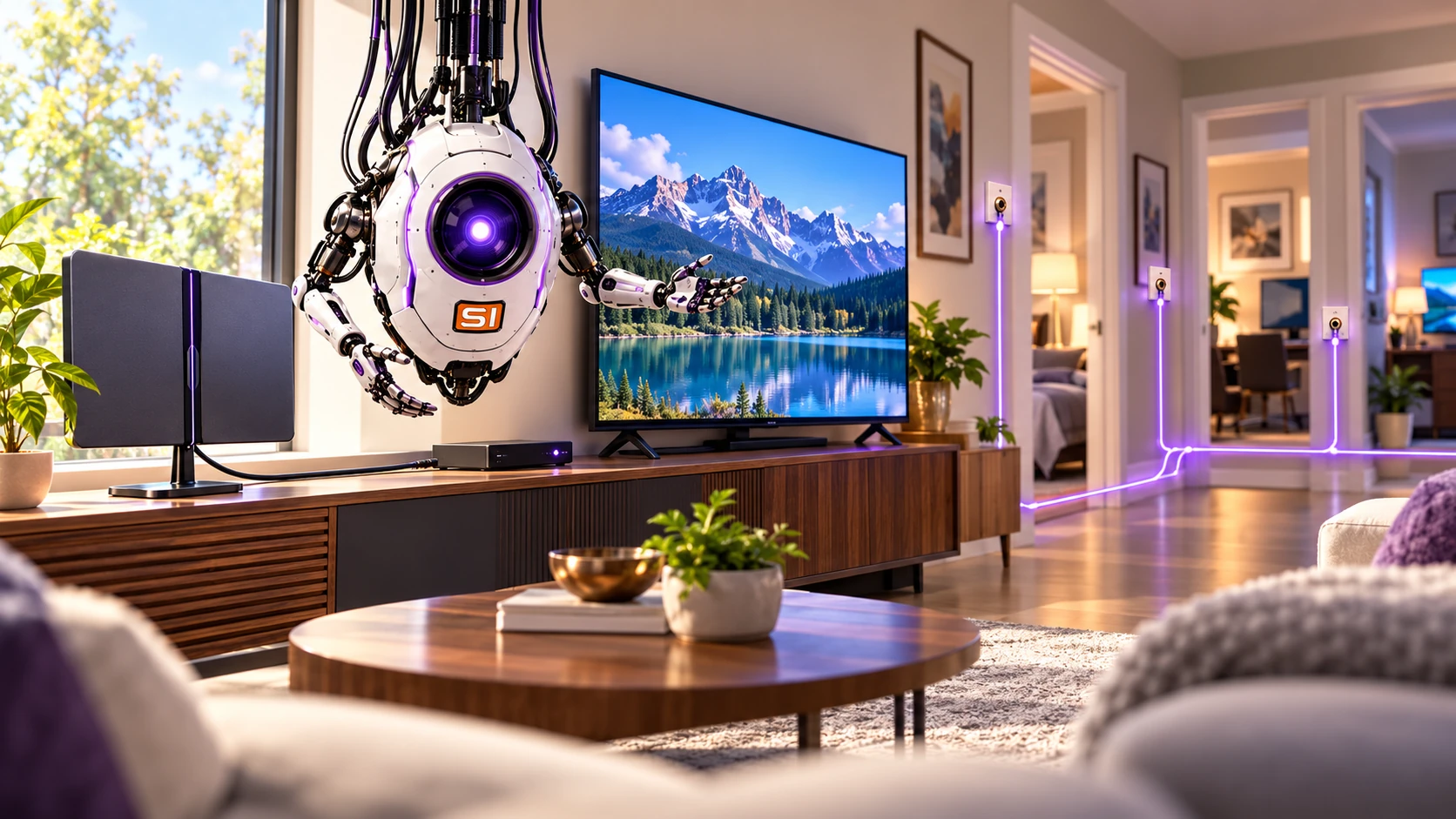
Kevin's original idea still works well: use an indoor antenna, feed one unused home-run coax, then redistribute that signal through the home's existing coax network. The key is to isolate the indoor wiring from the provider's live outside feed first, keep internet or security lines untouched, and then rescan each TV in Antenna or Air mode.
An amplified indoor RCA antenna can work very well when placed by a window or another reception-friendly location. Use the signal finder to decide which direction matters most.
Identify the unused room cable you want to repurpose as the antenna feed. A toner saves time when multiple cables meet outside.
Do not backfeed the antenna into a live provider drop. Disconnect the selected indoor distribution path from the incoming cable service first.
Each television needs to scan for channels using Antenna or Air mode. The same coax network can then serve multiple TVs, subject to splitter loss.
This is a learning simulator, not a live signal meter. Its visual bars are illustrative readiness scores, not measured reception or channel counts. First isolate the house coax from the provider, then place and aim the antenna, power the amplifier if your model requires it, and scan every TV in Air mode.
Your current settings should support a successful whole-house antenna setup. Every TV still needs its own channel scan.
Estimated splitter loss: about 3.8 dB per output.
Practice bars below are illustrative, not actual RF signal measurements.
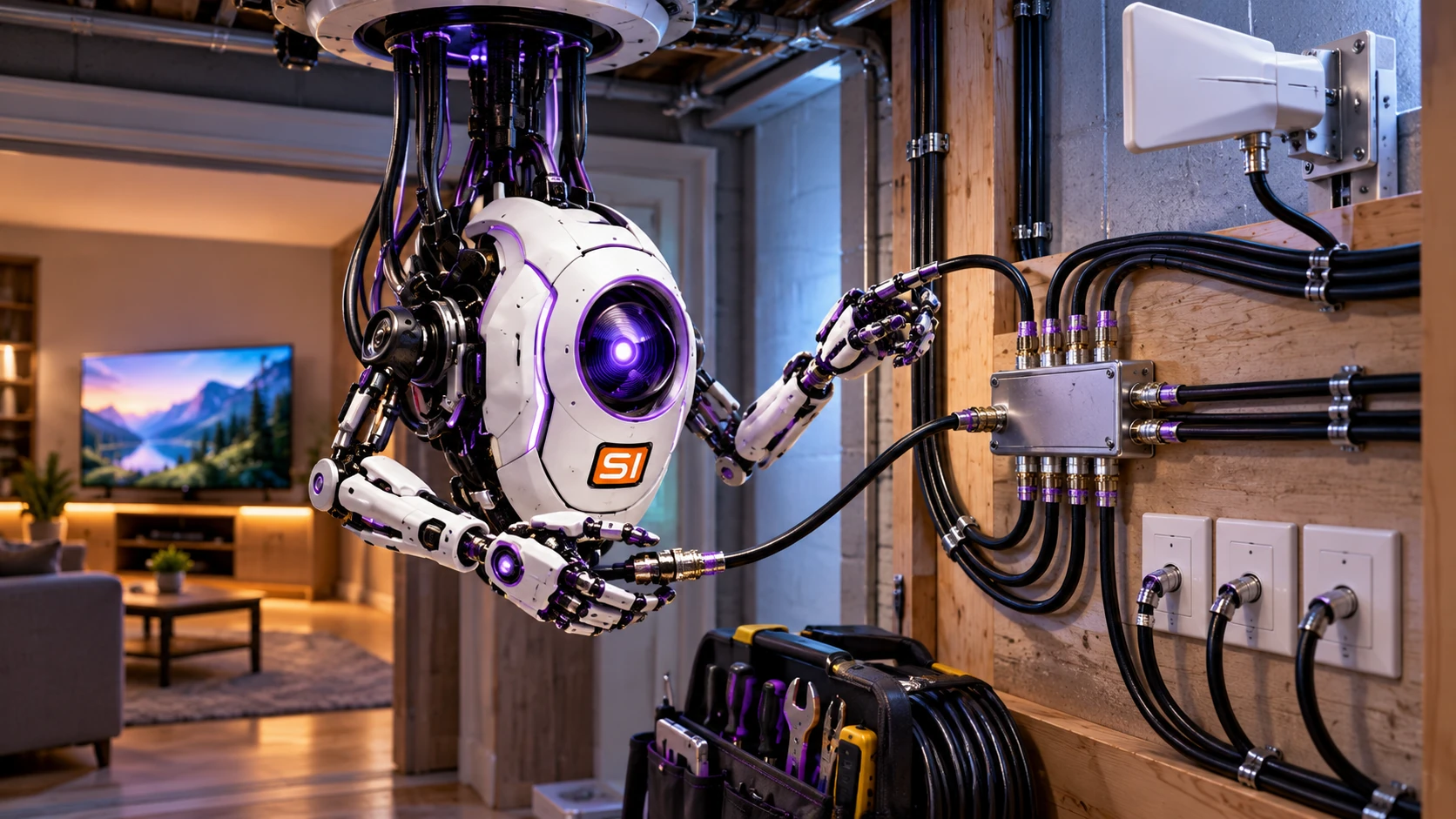
Violet checking the splitter, wall plates, and antenna feed before the TVs rescan for channels.
Do not connect this network to the active cable provider feed. The example is conceptual and is not a wiring diagram for a powered return amplifier.
Check items as you complete them. Your progress saves in this browser.
These are Kevin's original real-world installation photographs and instructions, preserved from the Crothers home and organized into easier-to-browse cards.
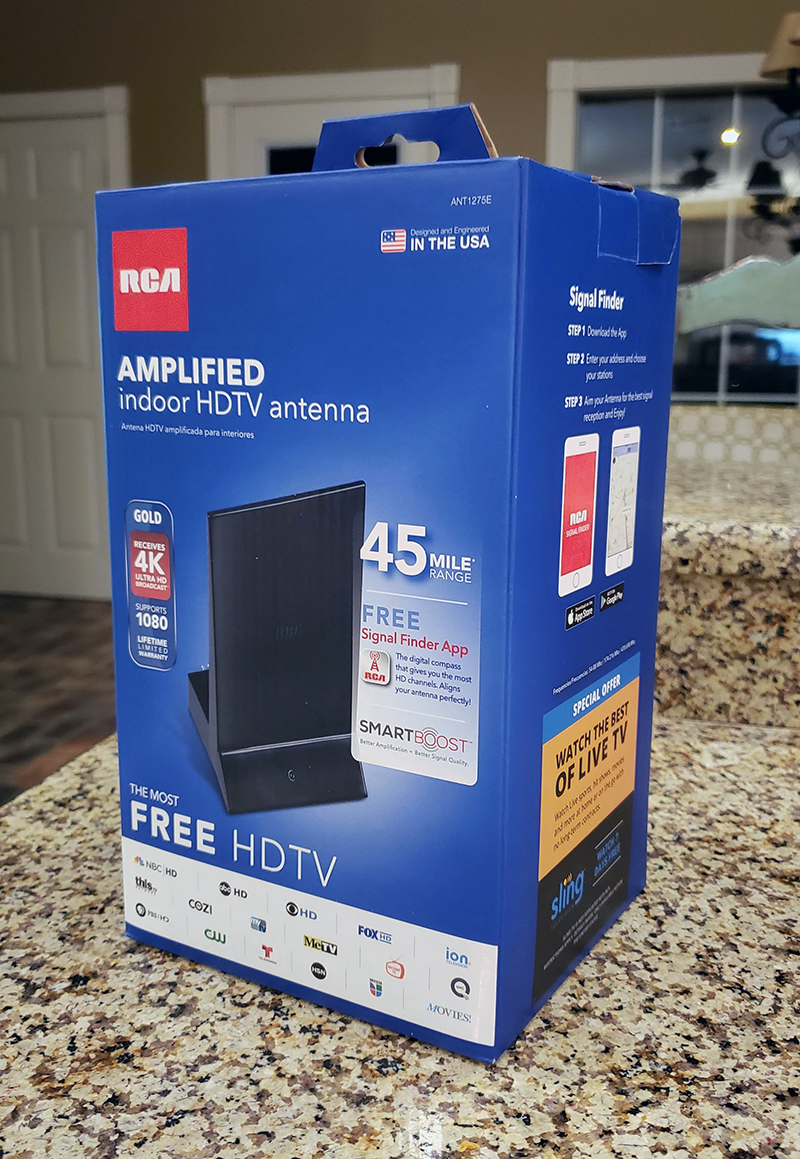
Buy an RCA amplified indoor HDTV antenna. Kevin's original note: one antenna can be enough for multiple coax-connected digital TVs in the same house.
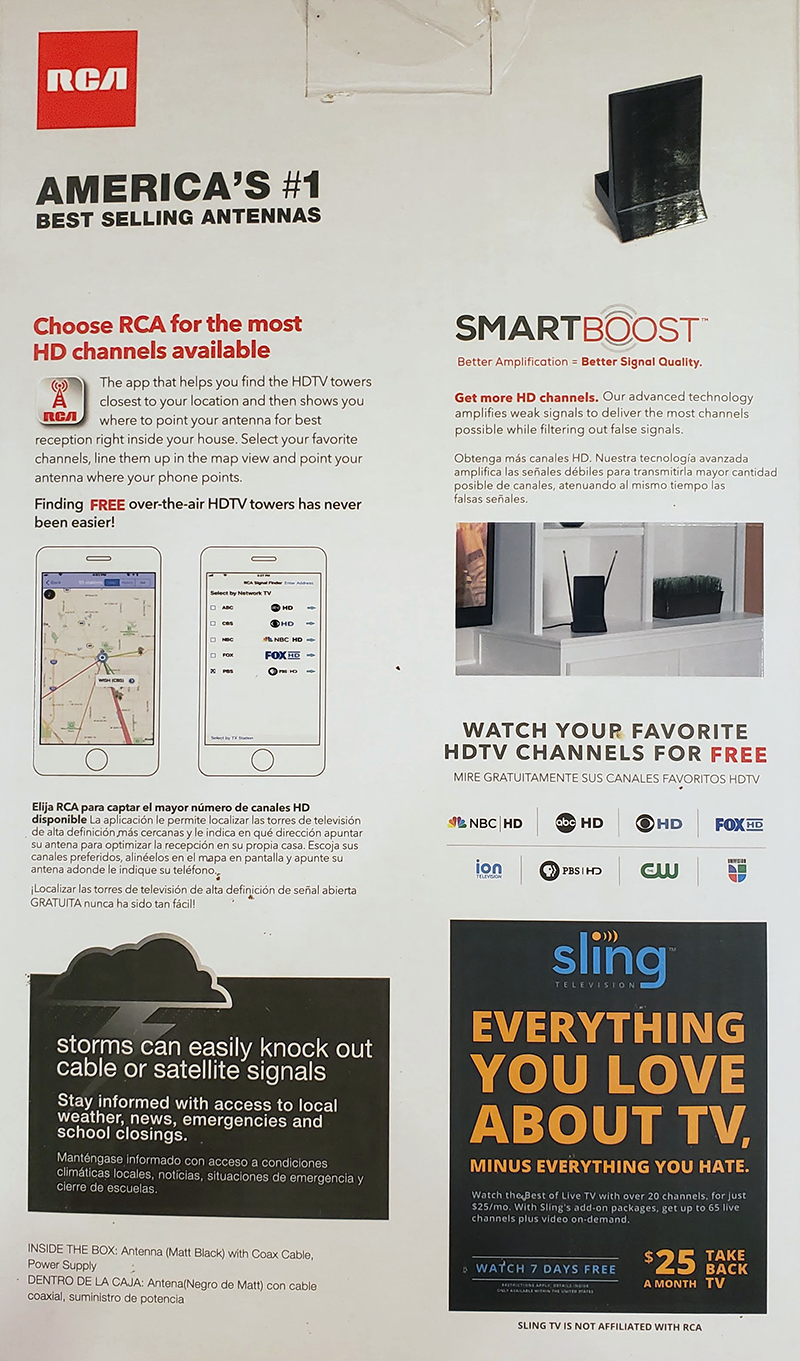
Read the box and install the signal finder app. The goal is simple: learn which direction gives your local towers the best chance.
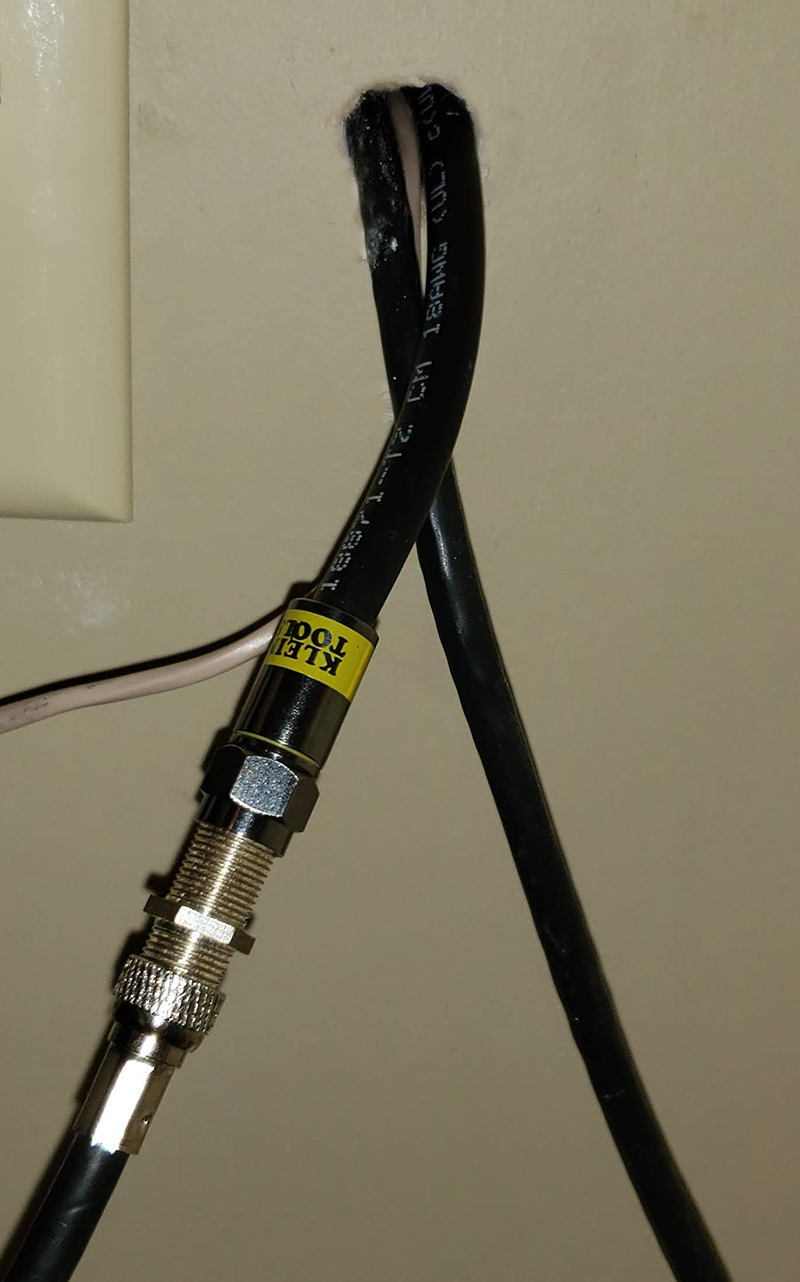
Use a cable coupler to connect the antenna coax to the chosen indoor cable run.
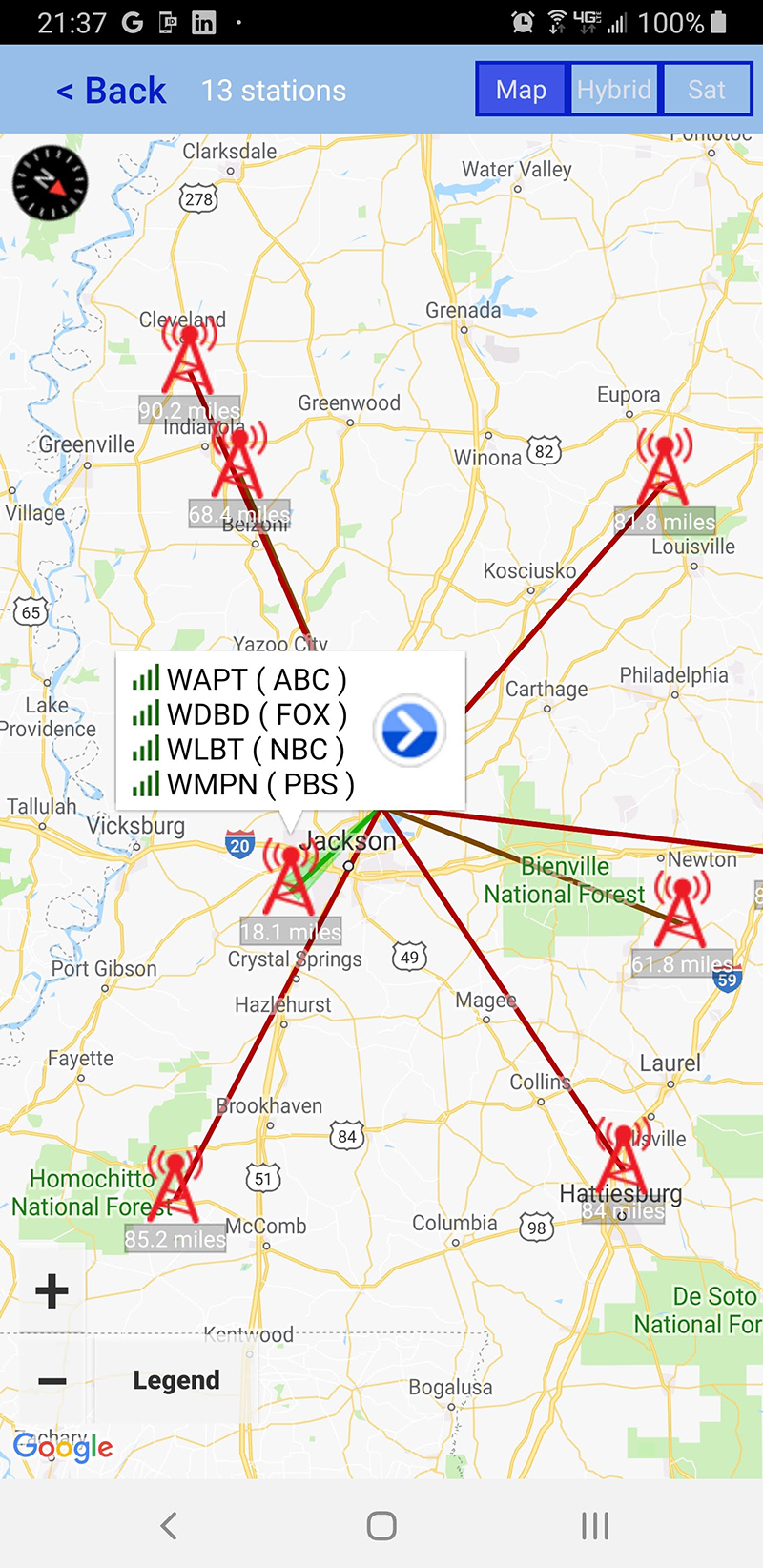
Point the antenna toward the strongest or most useful tower direction. Kevin highlighted his closest target in green.
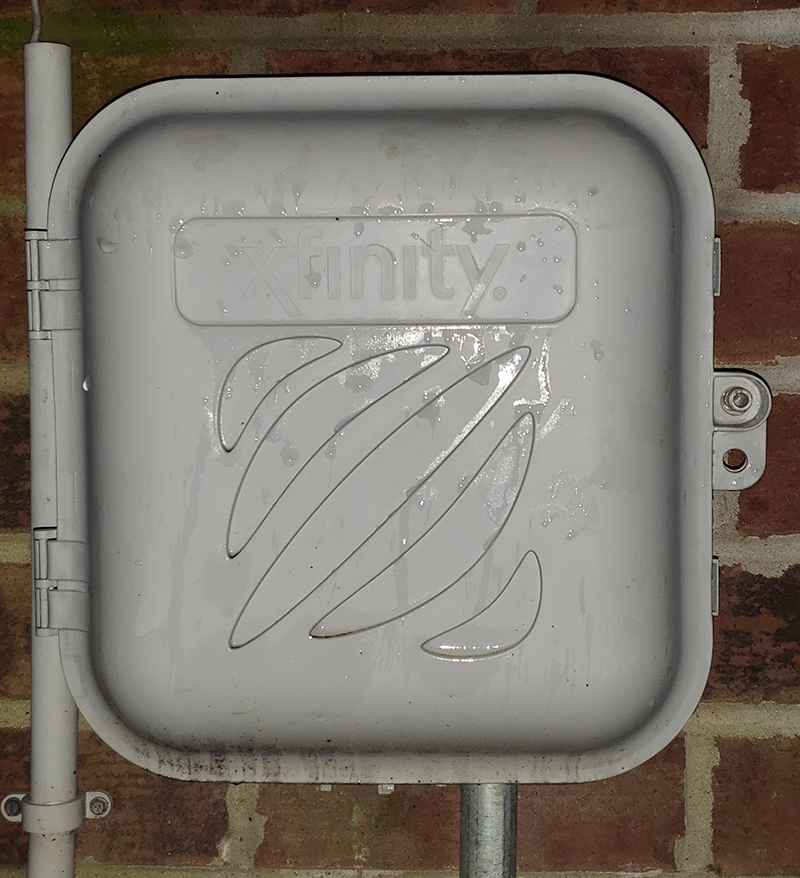
Locate the wall-mounted box where your coax lines meet. This is where the in-house distribution path can be reassigned.
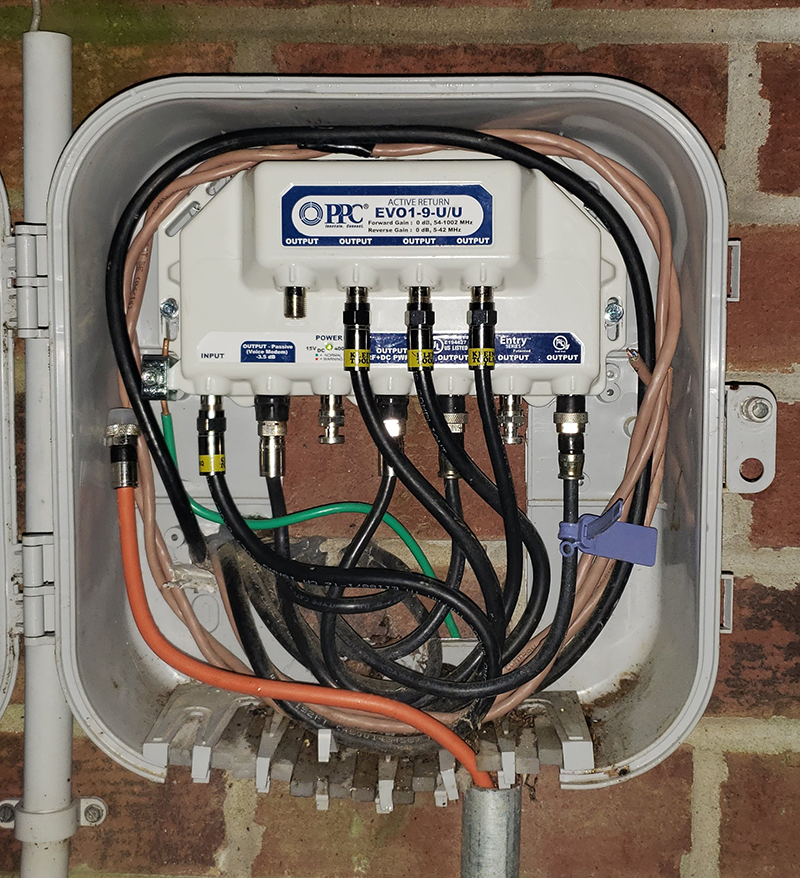
Move only the correct coax connection.
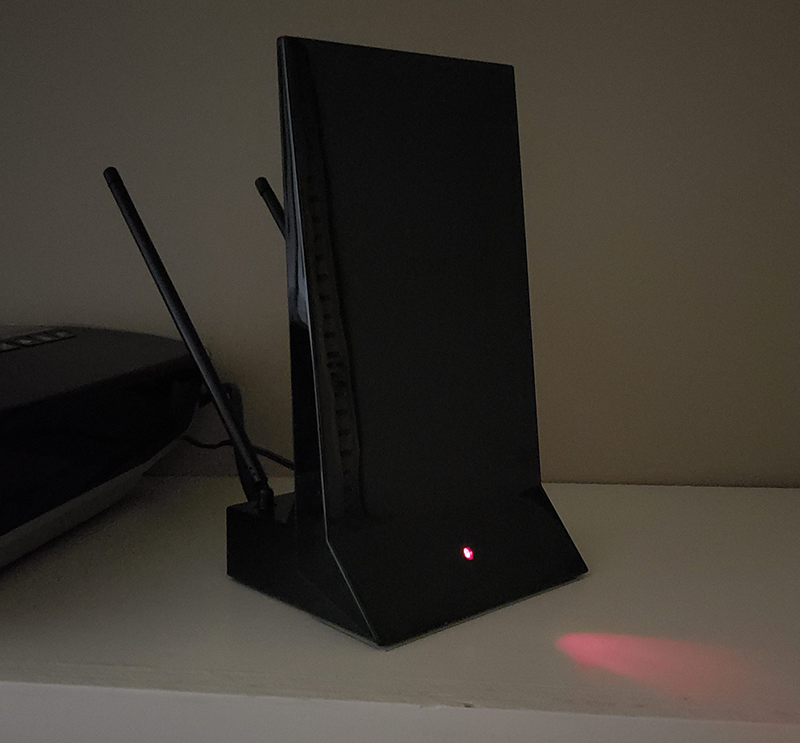
Power on the antenna. An amplified model generally needs the included power connection to be active.

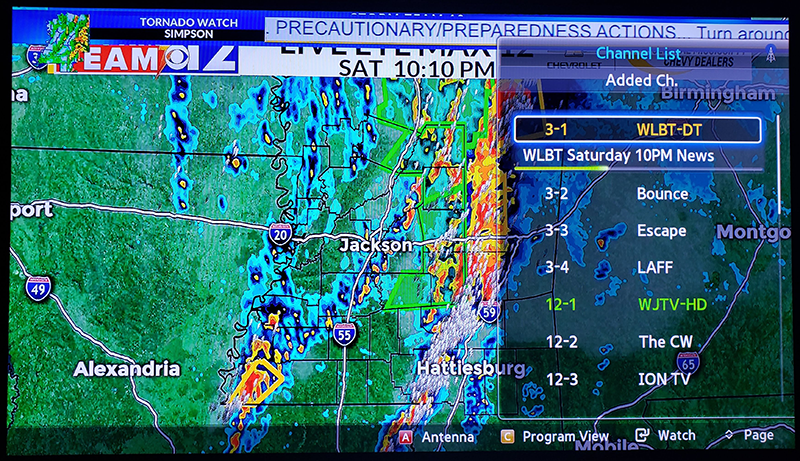
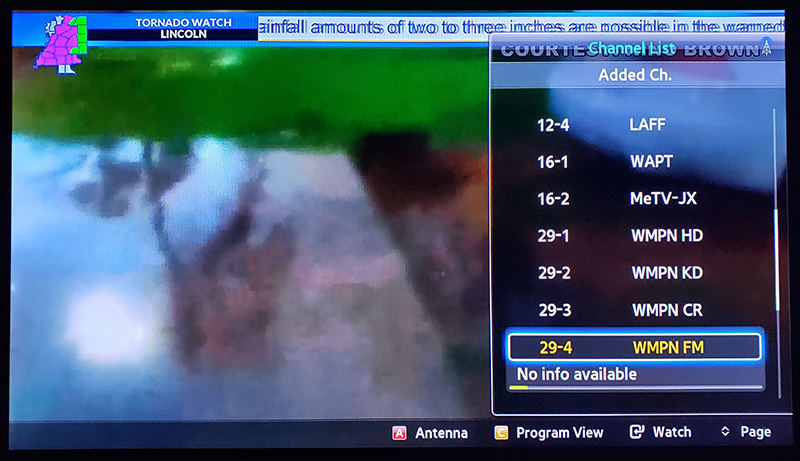
Reconnect the in-house coax to your TVs and run a new channel scan. Make sure the television is scanning in Antenna or Air mode, not Cable mode.
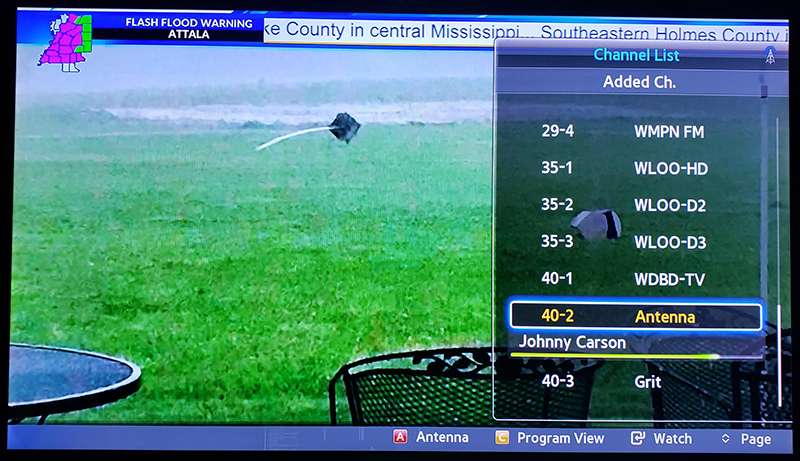
Kevin found these local channels after the setup. Your exact results may vary based on direction, terrain, splitters, cable quality, and current broadcast conditions.
These are the channels listed in the original guide. Channel lineups can change over time, but this is the exact result Kevin documented.
Technical references: Channel Master - splitter losses and multi-TV distribution and FCC - DTV reception maps. Kevin's 20-channel lineup is a historical example from his original installation, not a current channel prediction.