

Know your door. Before you order.
Left or right? In or out? Violet can make it click. Choose a door, watch the swing from above, flip your viewpoint, and leave with a clear note for the supplier - instead of a costly surprise.

This lab follows the single exterior entry-door handing convention shown by Masonite. Stand outside, facing the closed door. Note which side the handle is on and whether the door opens into the house or toward you. Interior-door, commercial-hardware and specialty-door labels may differ - confirm your supplier's diagram before ordering.
Watch the door swing.
Choose the handle side and swing direction as seen from outside. Then open the door and switch to the indoor viewpoint to see what changes. The name follows the exterior entry-door chart, not simply the visible hinge side.
For exterior outswing doors, the left-hand or right-hand label can be the opposite of the hinge position you see from outside. Both the handle side and the swing direction matter.
Top-down door simulator
Door and walls shown from directly overhead
Left-Hand Inswing
Hinges on the left from outside; the door pushes inward.
Four possibilities. One clear perspective.
Every miniature plan shows the exterior at the bottom. Select a configuration to load it in Violet's animated simulator. The diagram is a simplified plan view, not an installation drawing.

It's all about the side you're on.
From the exterior, you can see the handle, hinges and whether the door pulls toward you or pushes away. Swap to the interior view in the simulator and left and right trade places - the physical door stays the same.
And yes, this is Violet's travel-ready outfit: the original white chassis, violet eye and orange SI badge, with the long VioLabs ceiling cables bundled into a compact, glowing wireless power and communications dock above her head.
Make a supplier-ready door note.
A correct swing label is only one part of the order. Record measurements and important options, then confirm the supplier's own handing chart before buying. This tool does not calculate the needed prehung unit from slab measurements.
Details to bring to the supplier
The worksheet updates as you change the simulator or measurements.
Violet's order brief
Update the selections on the left. This summary can be copied or printed for a door supplier.
Not a purchase specification. Confirm with your manufacturer or dealer, especially for interior, double, storm, fire-rated or commercial doors.
Before you place the order
0 of 6 checks complete.
A little precision prevents a big mistake.
Why does Left-Hand Outswing show hinges on the right?
For the Masonite exterior-door chart, stand outside and look at the handle. A left-hand outswing has the handle on the left, hinges on the right, and pulls toward you. This is why we do not simply label doors by the visible hinge side without defining the viewing position.
Do interior doors use exactly the same labels?
Not always. Interior prehung doors and commercial hardware can be described with a different handing procedure, including LH, RH, LHR and RHR. Treat this page as an exterior entry-door reference and use the supplier's exact chart for other products.
What if the door is hinged on the other side?
Recheck the viewpoint first. The same physical hinge appears on opposite sides when you walk through the opening and turn around. Use the View outside and View inside buttons before changing the selected door.
What about double doors, storm doors and fire-rated doors?
Confirm the active leaf, sidelite locations, special hinges, thresholds, fire-rating requirements, building codes, egress and any outward-swing clearance rules with the supplier or a qualified professional.
See the four images from the original SMORTLER door guide
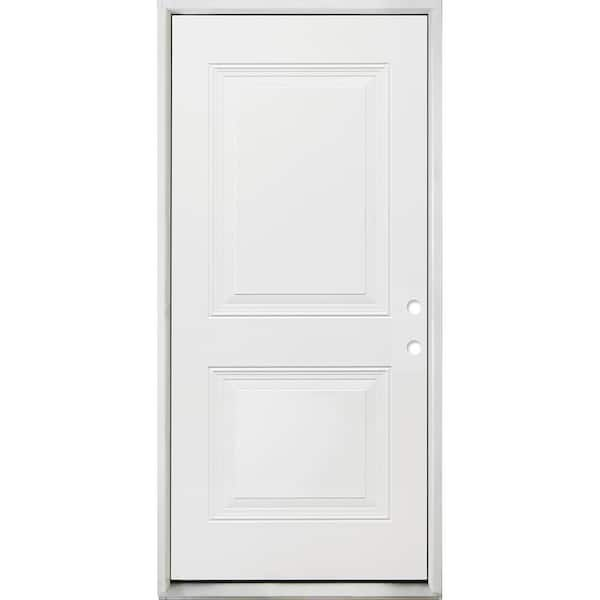
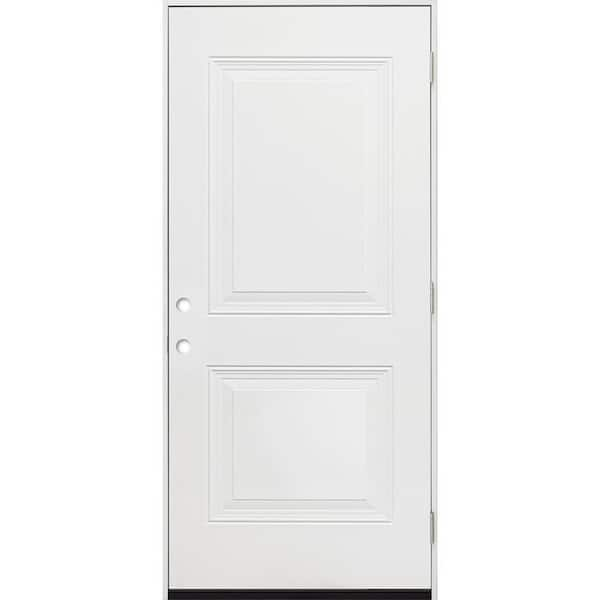
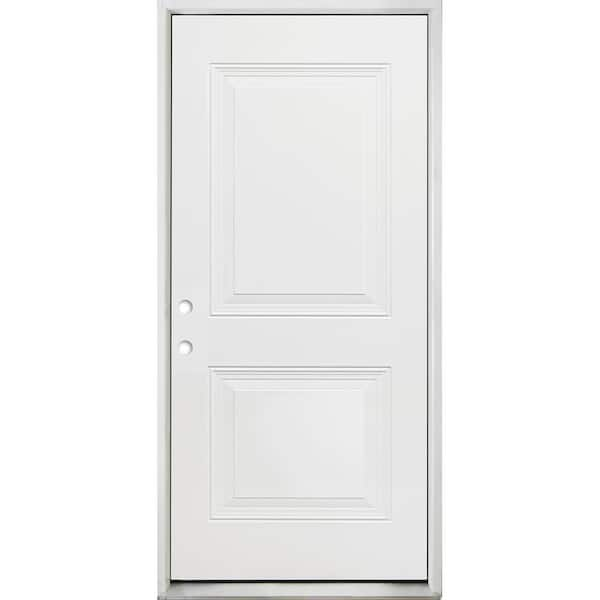
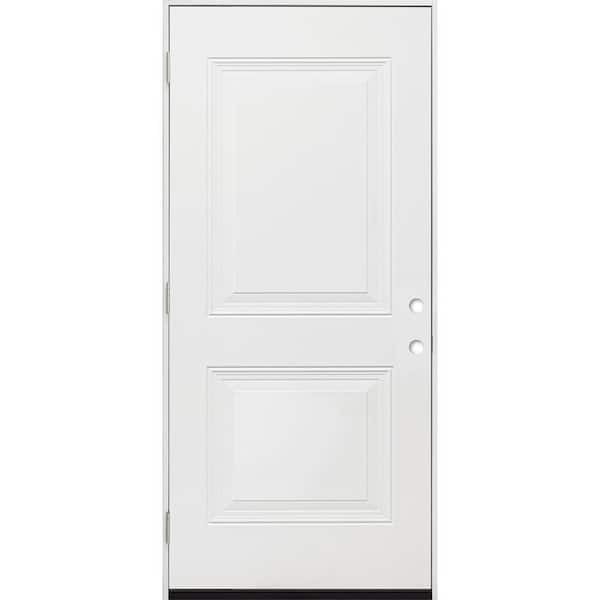
These are the original site's reference images. The animated simulator follows the single-exterior-door view defined on this page; confirm every order with the manufacturer's diagram.
Reviewed October 28, 2026. The simulator is for common single exterior entry doors using the referenced exterior-facing convention. Manufacturers and product categories can differ. Original Violet-SI concept artwork is illustrative; the portable energy dock is fictional. The questionnaire never sends data to a server. Checklist state is stored only in this browser, when available.
Try the animation from both sides, bring your notes to the door supplier, and avoid a costly return trip.